Hey everyone! We’re excited to announce another feature that we (with your help) are currently testing out right now - we’ve introduced label pages! And unlike other digital music spaces, it doesn’t cost anything to create a label page and add artists, because we realise that many labels are operating on slim margins as it is and often they're running as a DIY concern; out of a local record shop, a van or someone’s garden shed. That said, if you’re running a larger operation, not having to pay a costly subscription now frees you up to contribute your funds to where it matters most: your artists.
We’ve gathered together some of the labels who’ve been testing out this new feature addition; they are Contextes Recordings, Crafted Sounds, Heart Baby, SHIFT+CTRL Music, Uncivilization, Ursinewave, and yk records. We've got instructions on how to get set up further down!
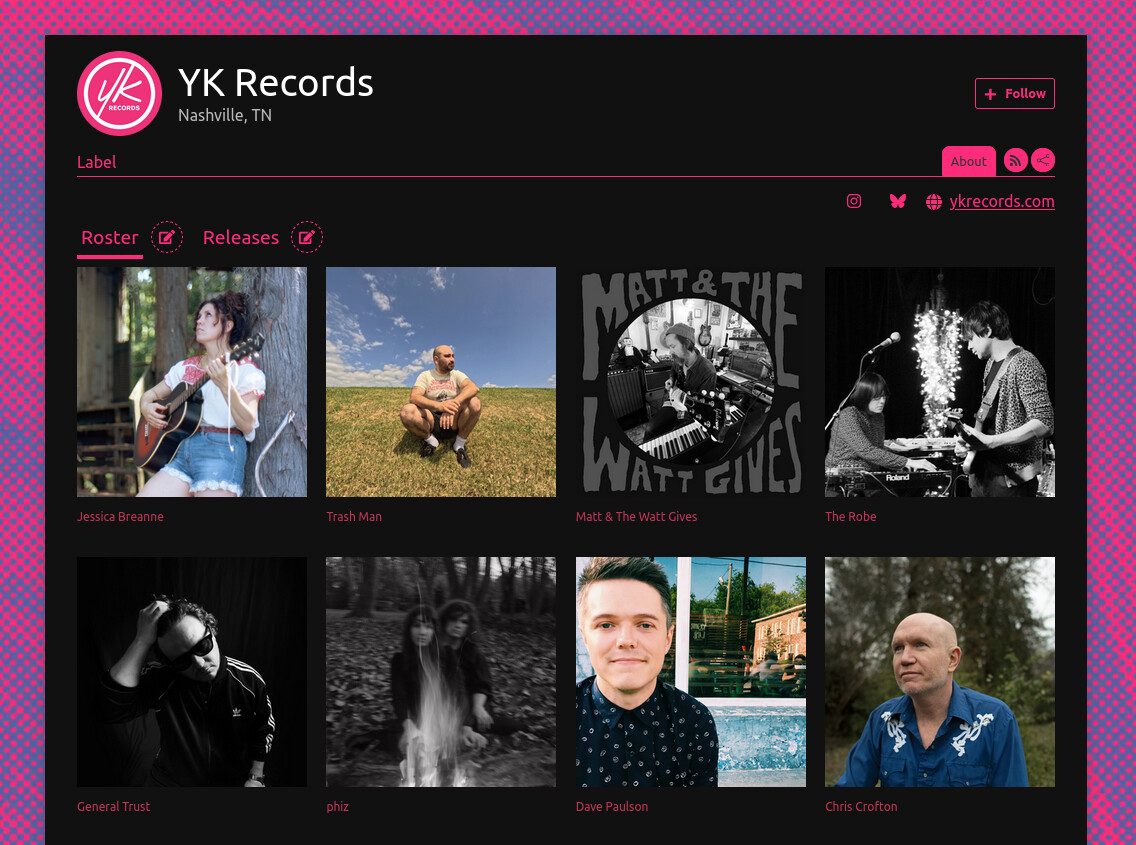
How do label pages work?
Label pages work much the same way as artist pages, where you can do the following:
Add a link to your website.
Write a short sentence describing what you do.
Add a more detailed “about” paragraph.
Add tour dates. Perhaps you’re hosting an all-dayer gig as a label? You can include it in the dates tab and link to the ticket vendor and/or venue.
You can create artist pages to display your roster, plus releases and merch that are exclusive to your label. Alternatively, if the artist and their releases already exist on Mirlo, they can be linked to the label page.
You have the option to set detailed shipping profiles for your merch.
As a label you can decide whether you or the artist receives direct payment for a release.
You can add your socials.
You can collect emails or give your audience the chance to follow via RSS.
You can view pages for both sales and order fulfilment.
You can generate album and track codes for press, friends and family.
¨C11C
Why not visit some of the examples above to see some of these features in action? We’ll also be tweaking a few things here and there in the coming months based on suggestions from our community, so make sure you stay up to date by joining our mailing list or following us on socials (bsky, instagram, fedi).
How do I enable this?
To start with, you need an account on Mirlo. You can create one by signing up. Once you've done that, you can go to your profile page and toggle the Label/Collective account toggle. Press "Update Profile" and you're good to go.

Once you've turned that on, you're ready to get going! You can manage the details of your label account on your label management page.
Next steps for labels
You can view our progress on our GitHub page, but these are some label features that are in-progress currently:
The inclusion of catalogue numbers with label releases.
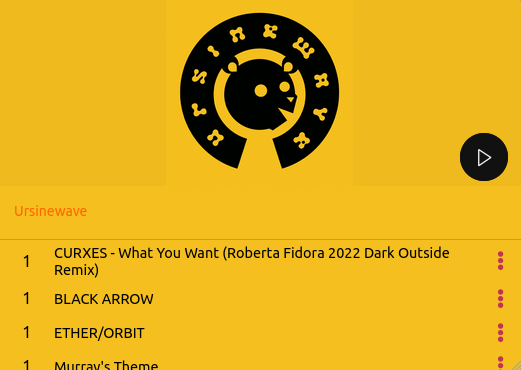
Label playlist embeds (in beta - see below)
Adding files to merch and releases, so that you can sell zines or lyric books.
Sorting the order of artists on your label page.
Have questions?
We're always open to feedback, questions, etc. You can contact us by sending an e-mail to hi@mirlo.space or reaching out to us on any of our socials.
This is a companion discussion topic for the original entry at https://mirlo.space/team/posts/399